From your calendar
Already in your iPhone calendar, or on a league’s calendar link? Bring it right in.

The app made to follow each other’s sporting events! — Sid
Coming soon to the App Store
Our Sideline
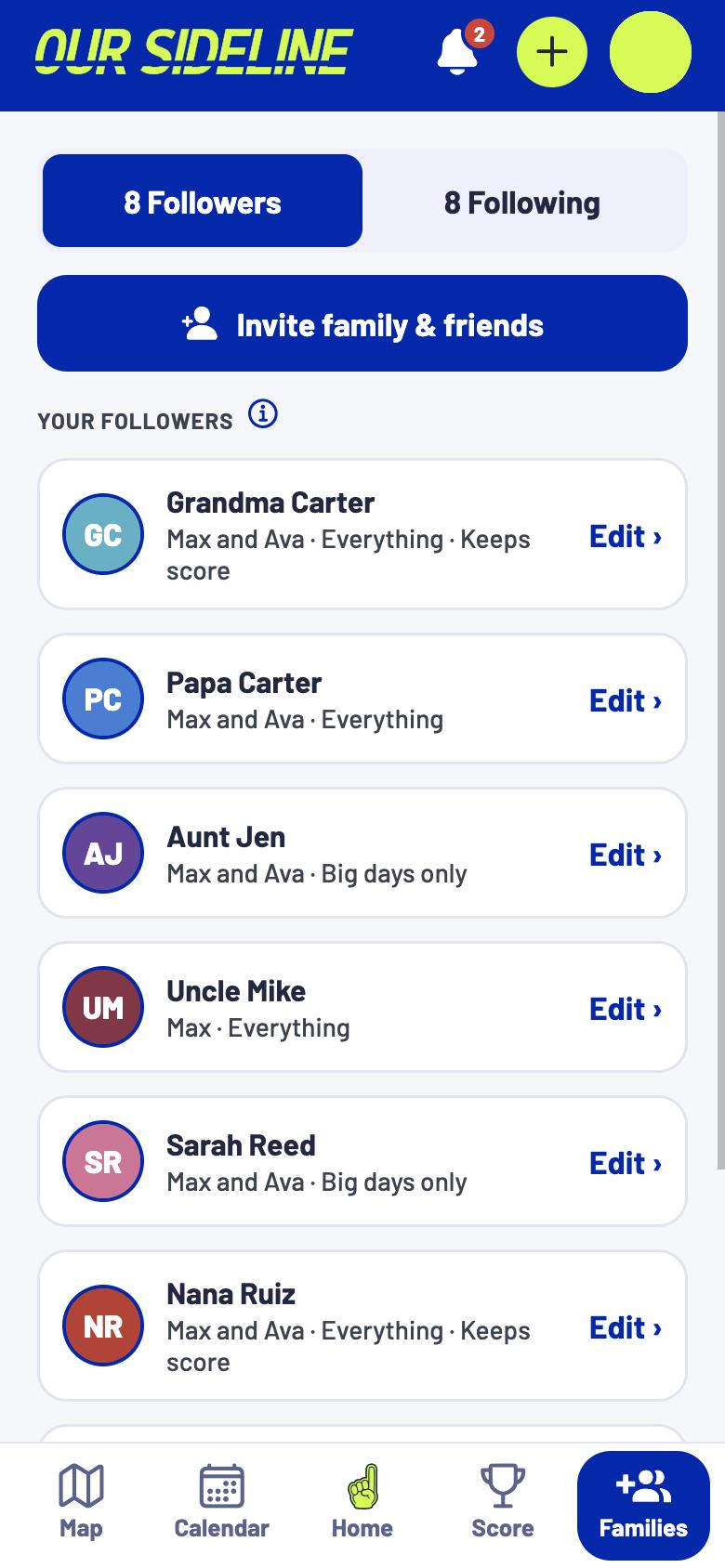
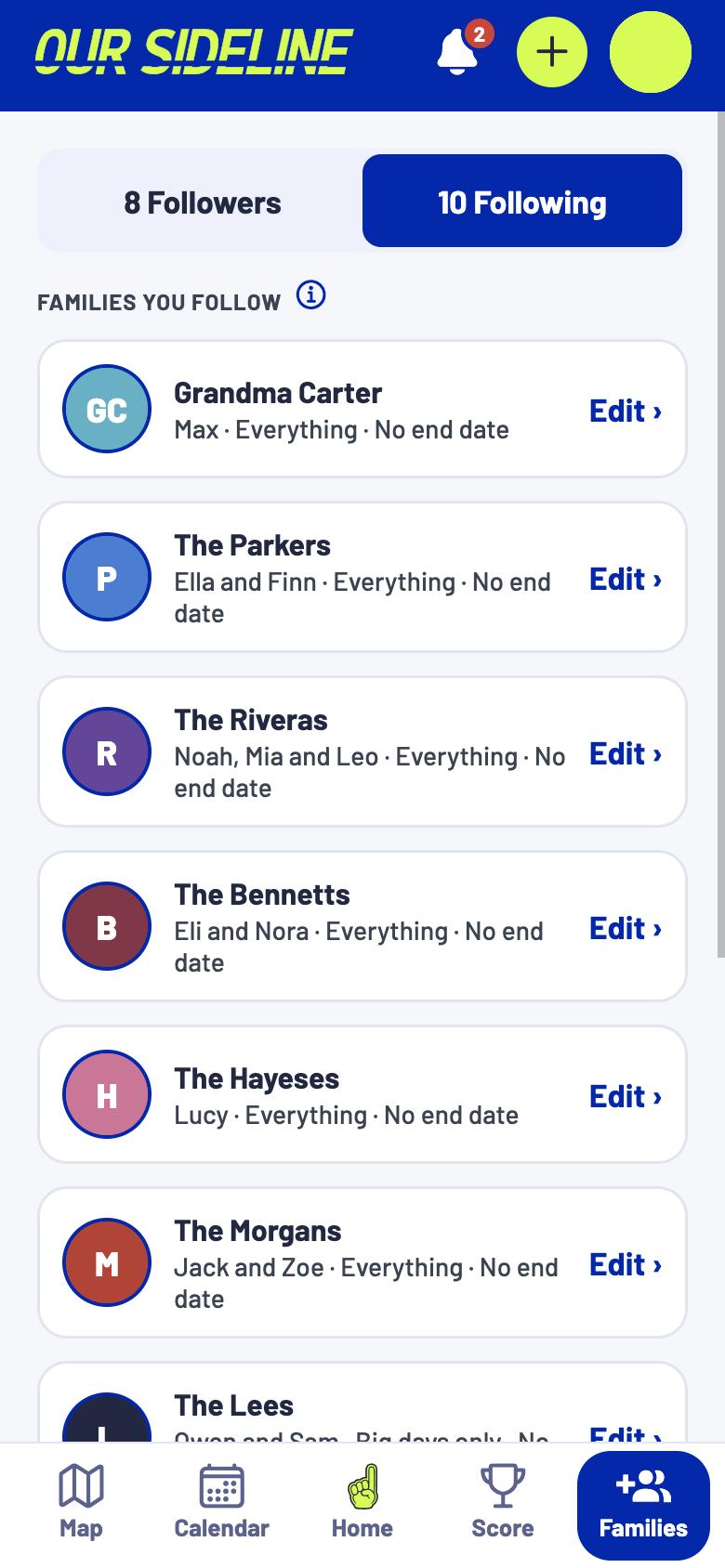
Share your kids’ games with family and friends, and follow theirs right back.
The problem
Before, the schedule lived in your texts. After, everyone just sees it.
Before
Grandma ›
After
Grandma ›
Before
Bestie ›
After
Bestie ›
Before
Sister ›
After
Sister ›
One app, all year
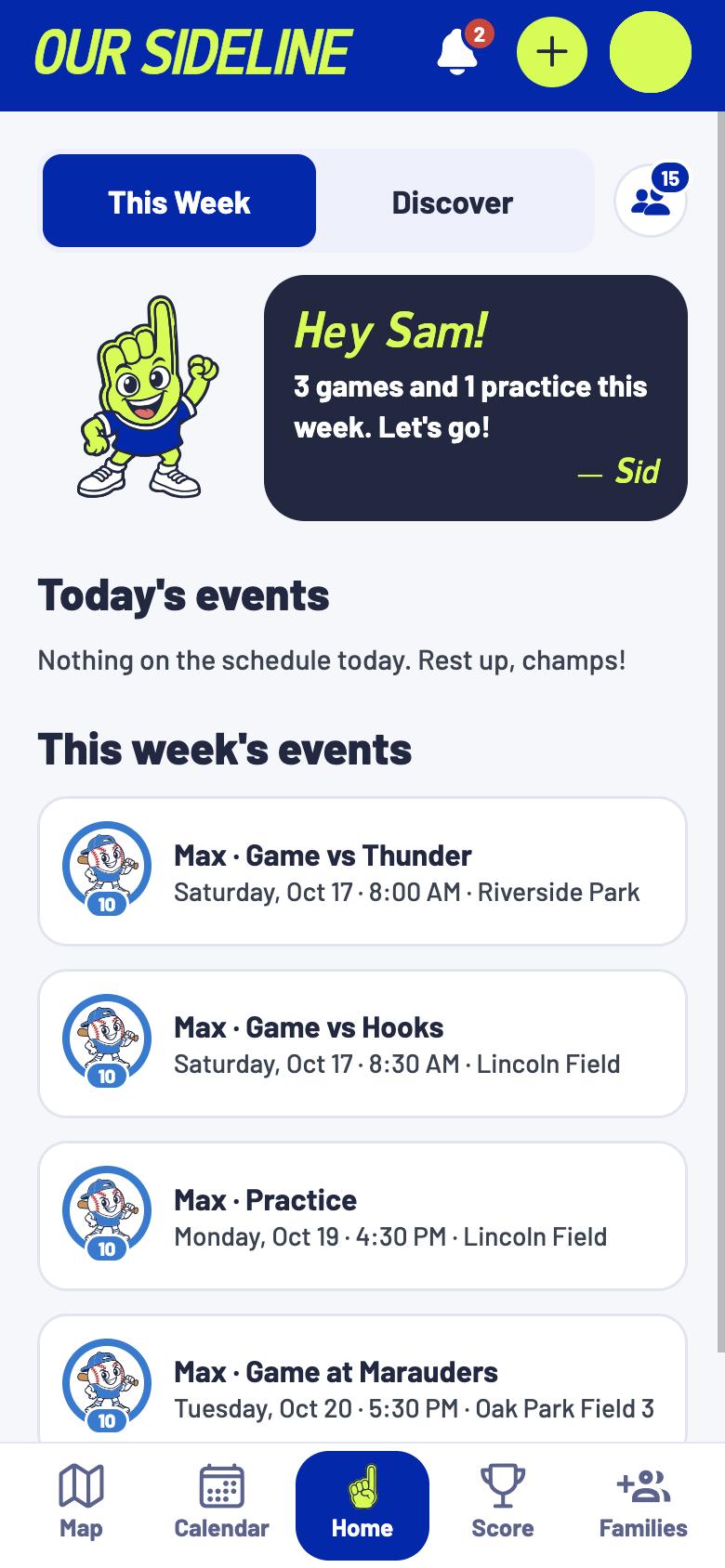
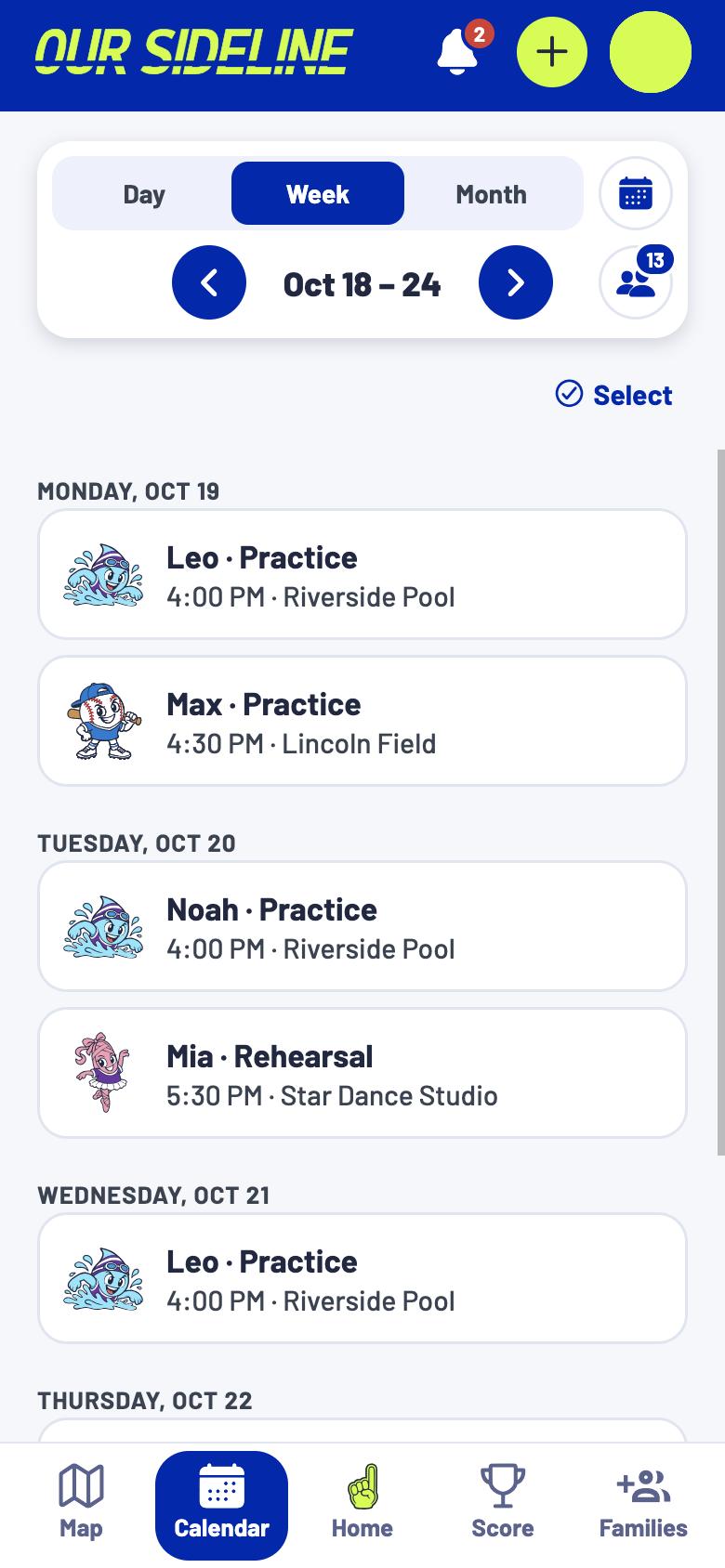
Every sport, lesson and club lives in one place, all year long, for family and friends to follow.
 Our Sideline all of them, together
How it’s different
Team apps run one team. Our Sideline brings every team together for everyone who cheers.
Our SidelineYour whole family and everyone who cheers
One team’s coach and parents
Our SidelineAnyone you invite: grandparents, aunts, uncles, friends
Usually only people on the team
Our SidelineEvery kid in your family, together
One kid, one team at a time
Our SidelineEvery sport, lesson and club, all year
One sport, one season
The solution
Yours and the kids you follow, together, so you never miss a big game.
New: Talk to Sid
Talk or type, like texting a friend. Sid adds the game, moves the practice, or tells you what’s next.
Add your schedule
Tap + and pick the easiest way. Sid does the rest, and you check everything before it’s added.
Already in your iPhone calendar, or on a league’s calendar link? Bring it right in.
Snap the paper schedule, a screenshot or a flyer. Sid reads it.
Say it or type it, and Sid sets it up.
A one-off? Type it in, quick and simple.
3 new events for Max’s Tigers 10UNew on the calendar link. Tap to check them and add.
Brought a calendar in? When the league adds a game, Sid spots it and asks before adding it. League links are checked every night, and your iPhone calendar each time you open the app.
New: Highlights
Snap the play from the stands and it becomes a card for your kid, saved by game, month and year.
 Thunder U6
MAYA #7
 Bears 9U
LEO #12
A trading card, or just the photo. Your pick, every time.
Shared with your people
Grandma catches the moment you missed, and it lands right in your kid’s highlights.
Grandma added a highlight of LeoDiving catch in the 5th
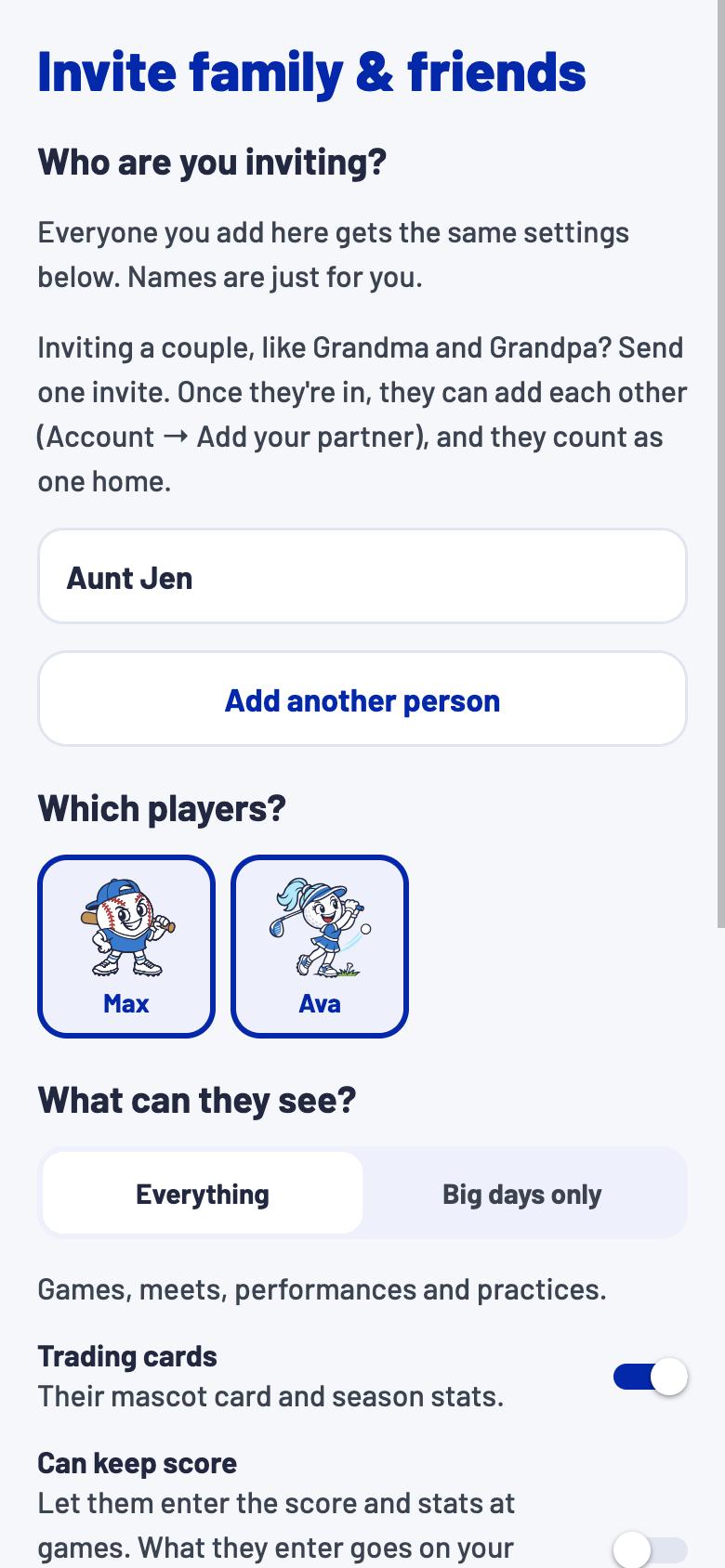
You pick, family by family. Nobody sees a photo unless you say so.
How it works
Sid’s Quick Add
I’ll read & add your schedule!
Photos, screenshots, PDFs, flyers
No typing in every game by hand. Four quick steps and Sid does the rest.
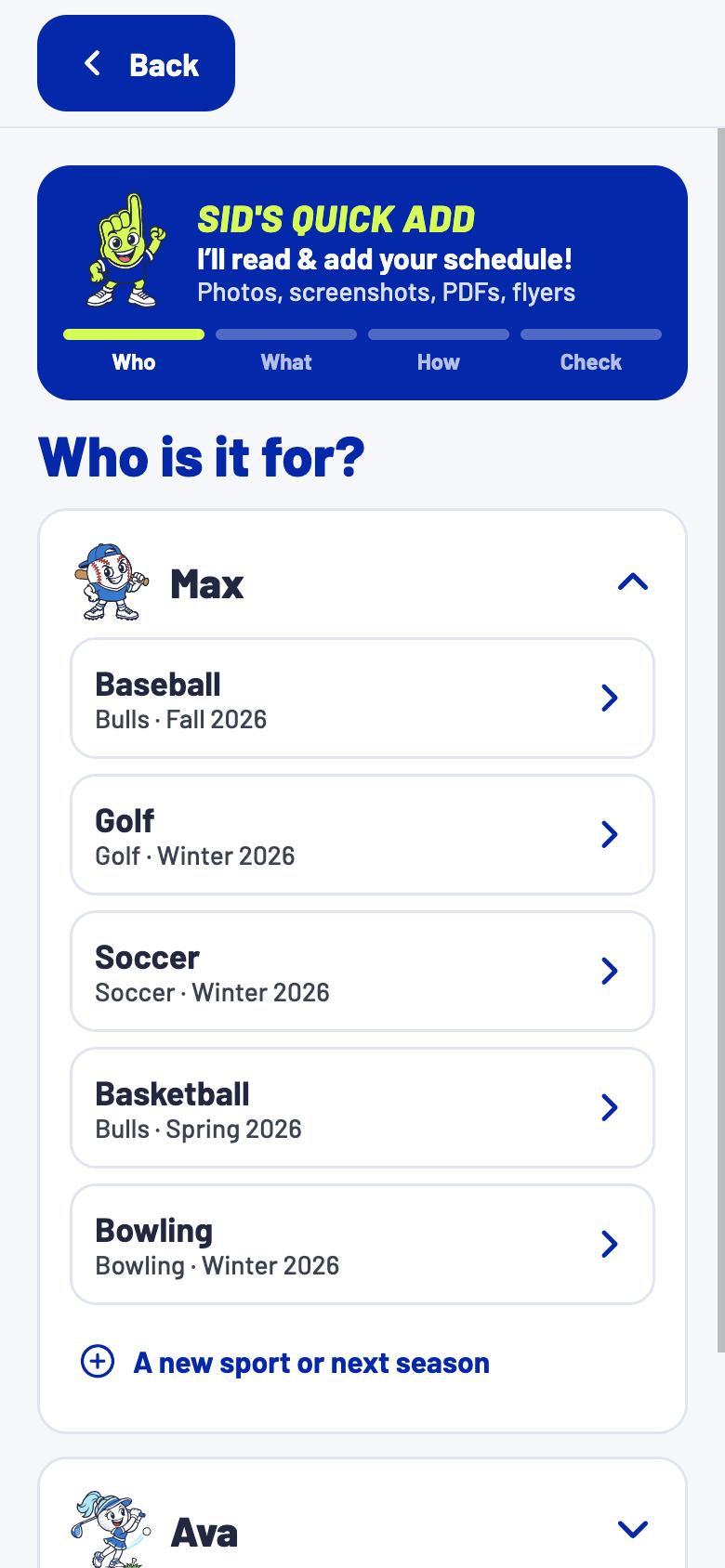
Pick the kid and the team.
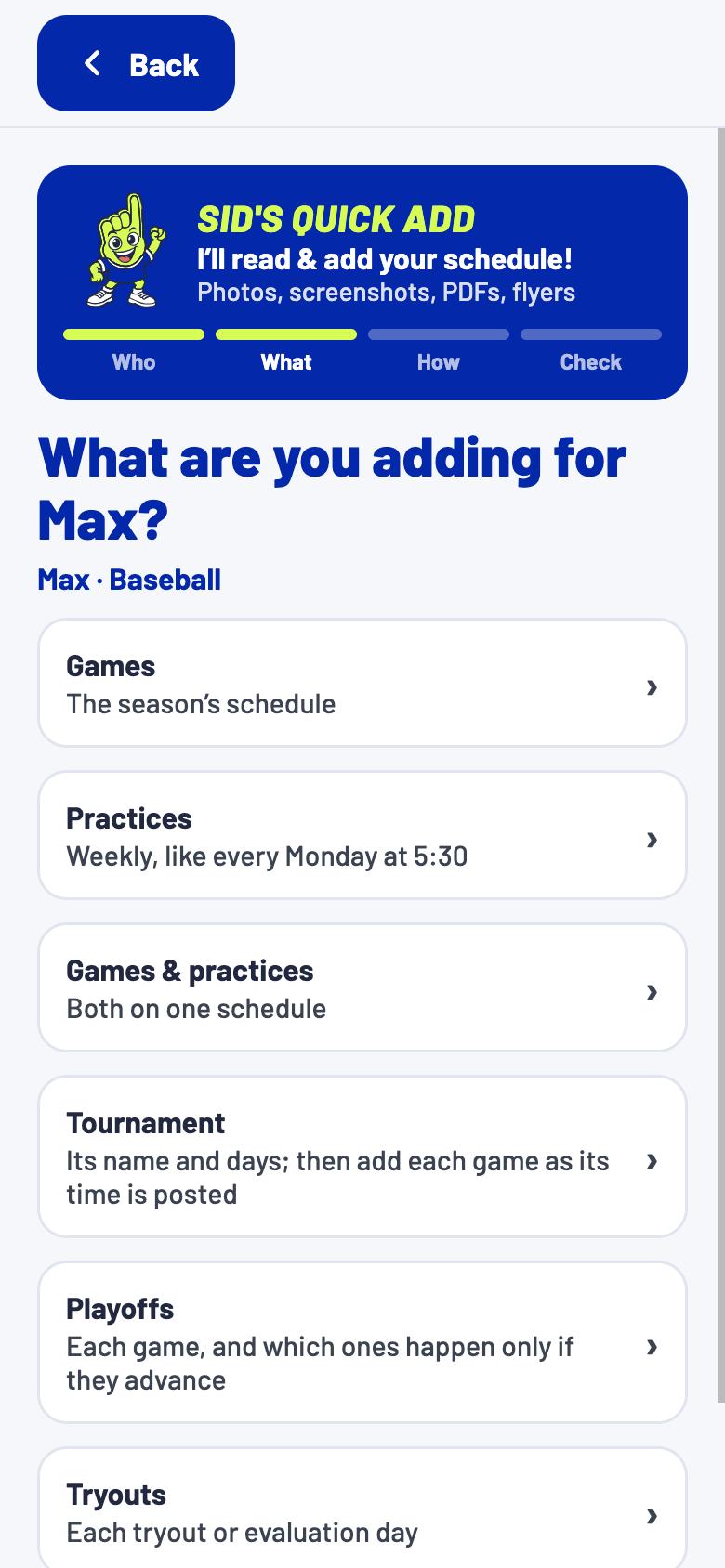
Games, practices or a tournament.
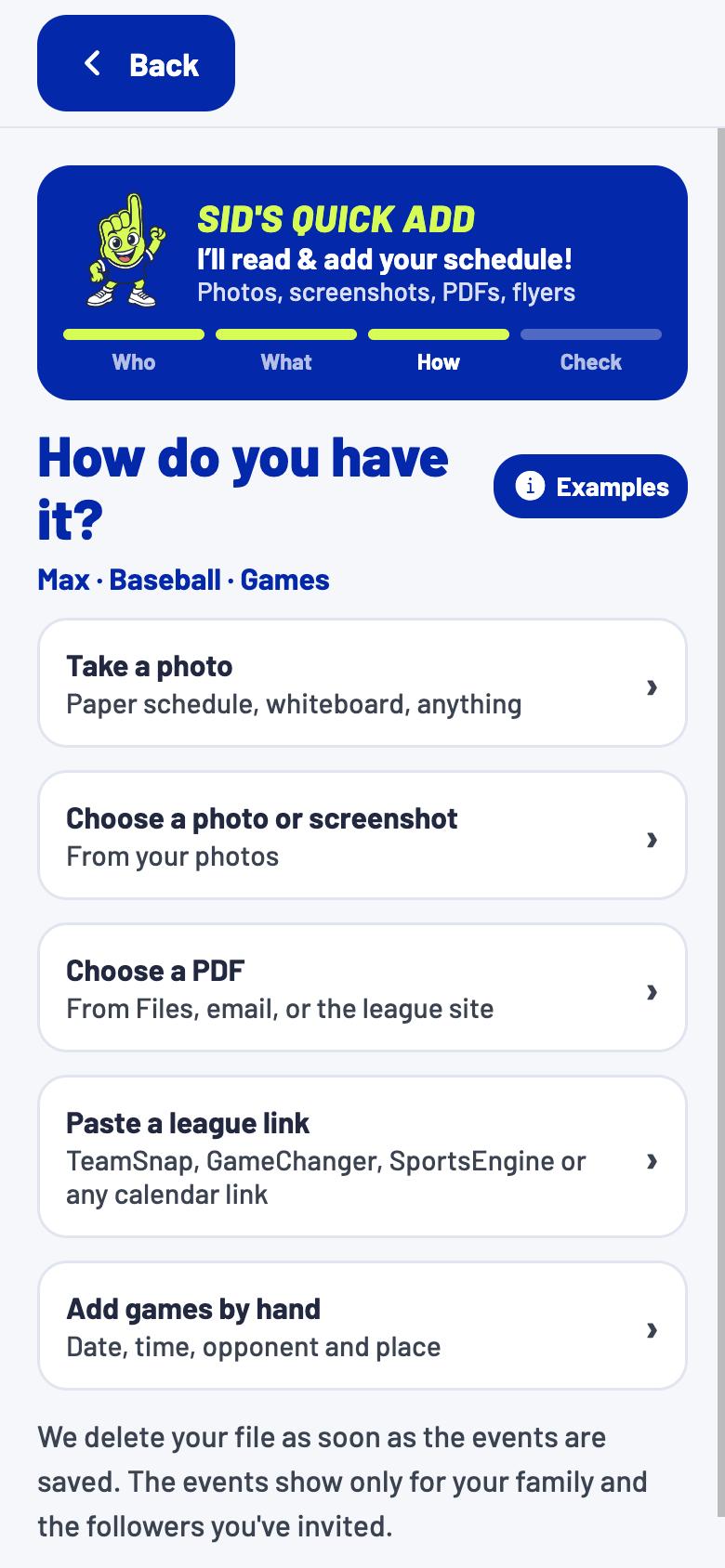
Snap a photo, screenshot or PDF.
Approve each game Sid found.
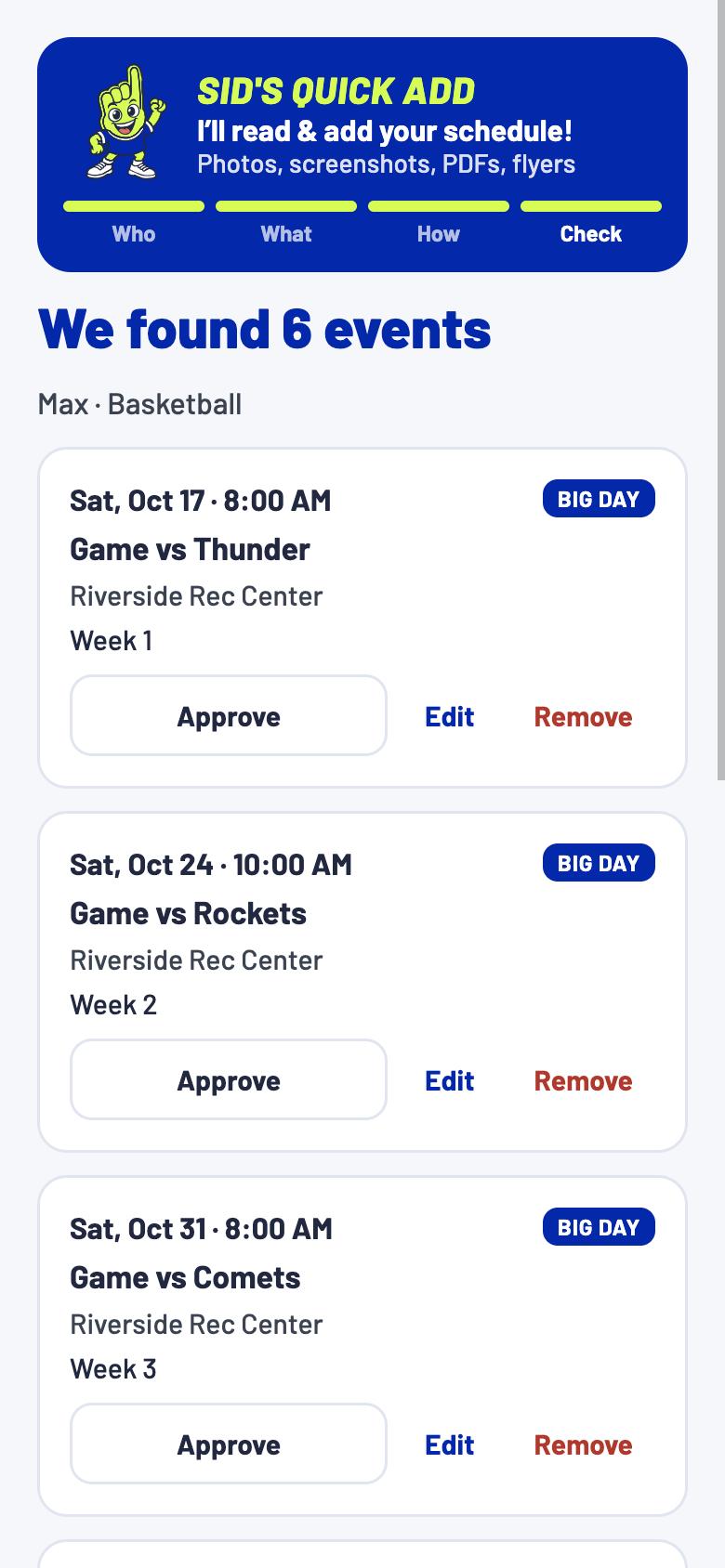
Your games are on the calendar, and everyone who follows sees them.
Paper schedules, screenshots, PDFs and brackets, up to 3 pages at a time.
| Sat 9/12 | 9:00 | vs Hawks |
| Tue 9/15 | 5:30 | Practice |
| Sat 9/19 | 10:30 | @ Comets |
Sat 9/129:00 · vs Hawks
Tue 9/155:30 · Practice
Sat 9/1910:30 · @ Comets
| Sat 9/12 | 9:00 | vs Hawks |
| Tue 9/15 | 5:30 | Practice |
| Sat 9/19 | 10:30 | @ Comets |
Discover
Sid suggests teams and classes nearby, and shows which friends already play there.
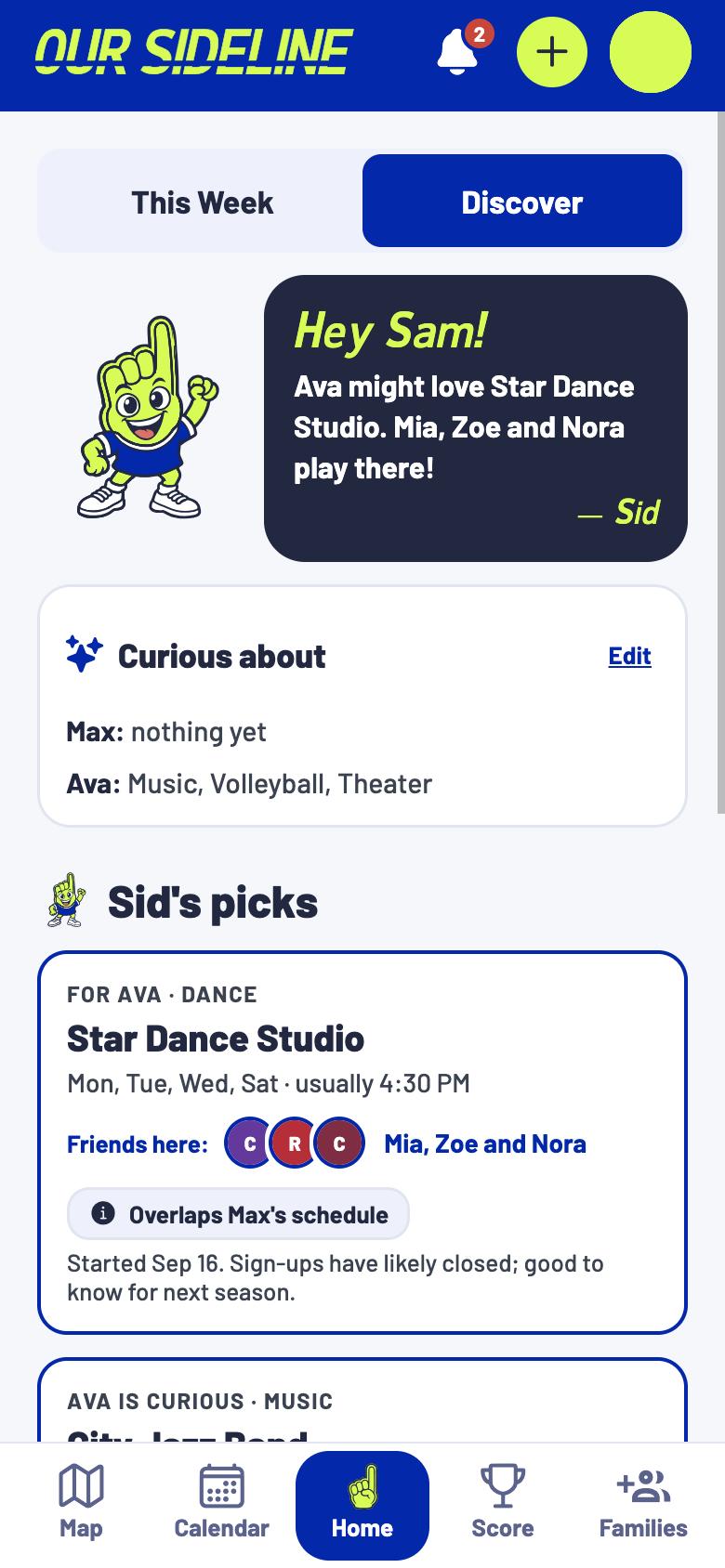
Take a look inside
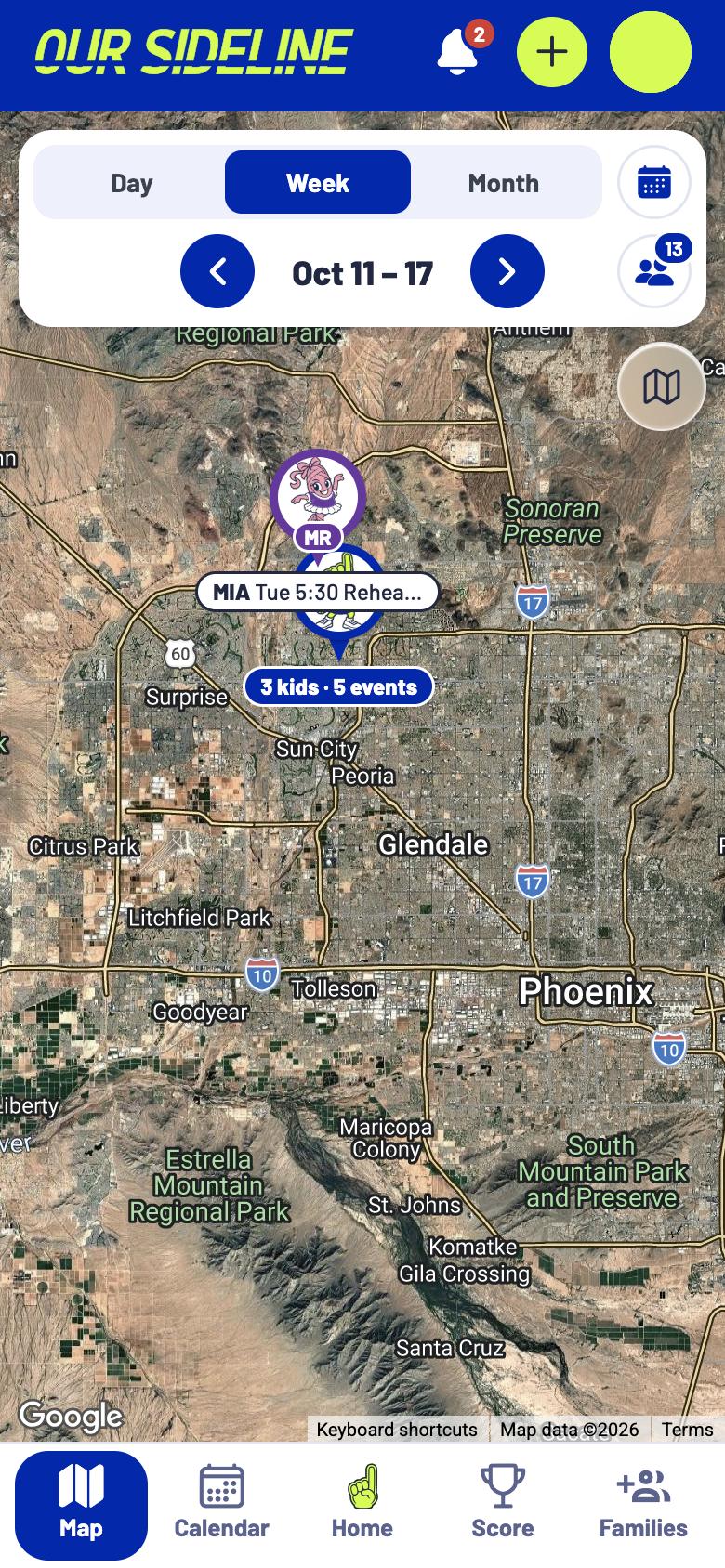
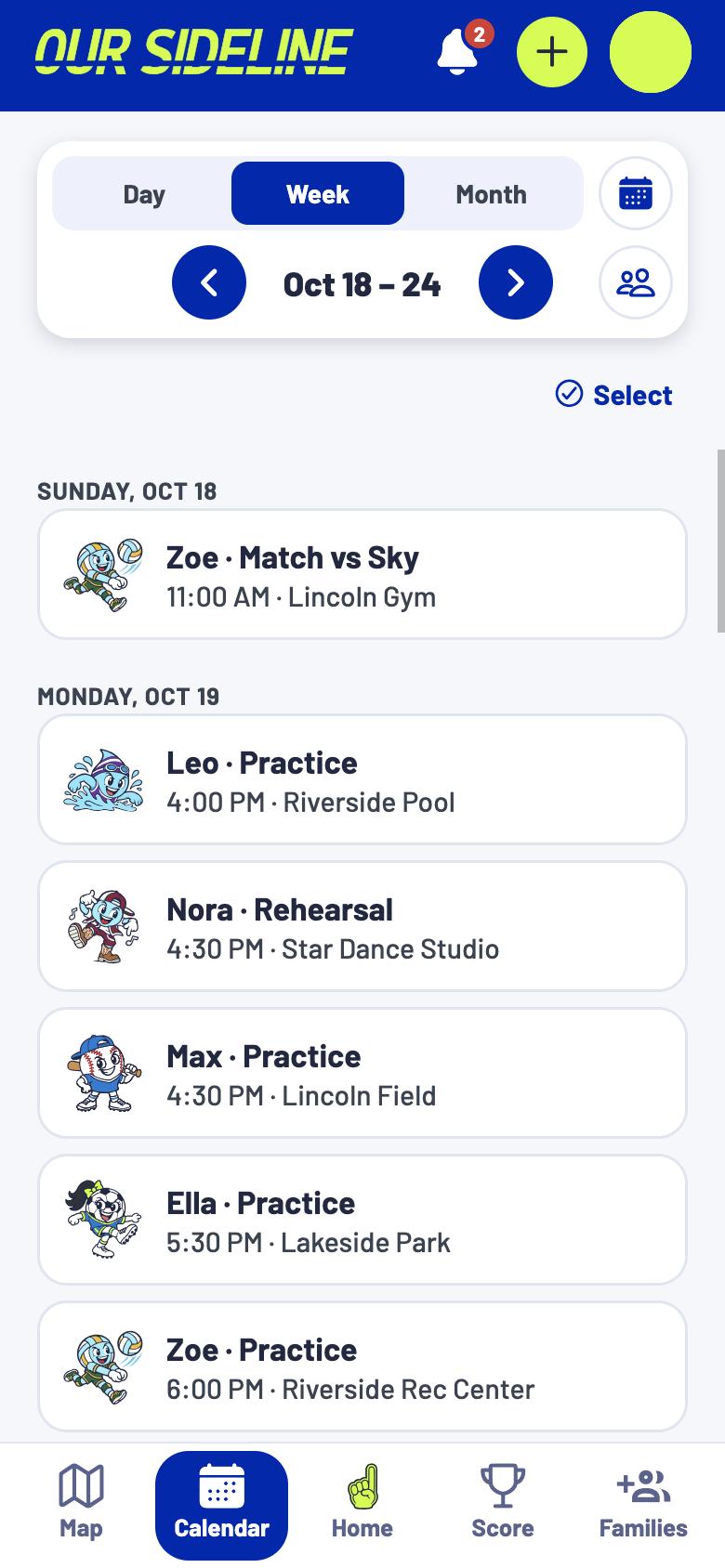
Features

Every sport and season, side by side.

Each kid gets a pin, with directions a tap away.

Share yours, follow theirs, and never miss a big game.

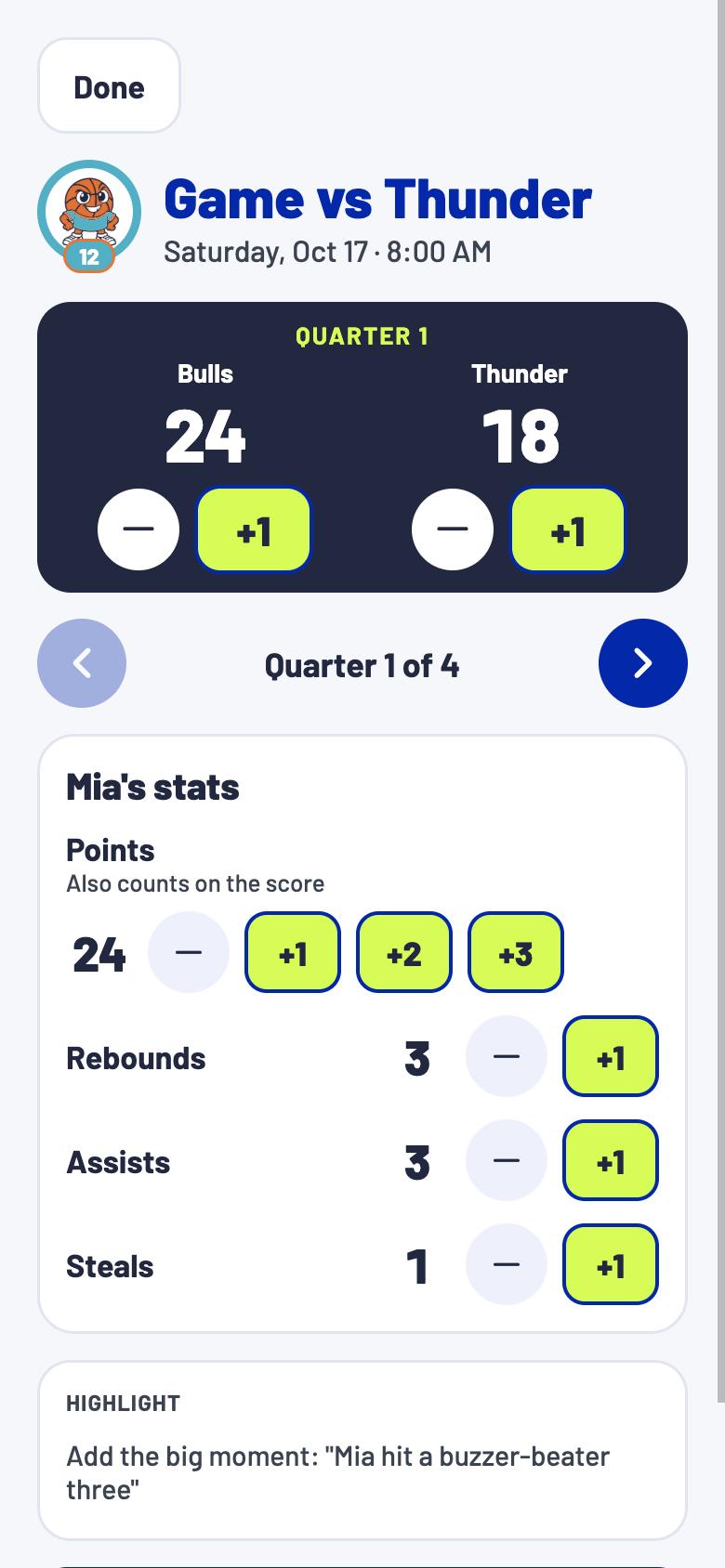
Everyone who couldn’t make it follows live.

A note when a game moves or gets cancelled.

Who’s going, which jersey and where to park.
Tell him about a game, and he adds it once you say so.

New games from the league show up for your OK.
Private by design
Only the people you invite can see your kids’ schedule.
About us
An Arizona company building the family sports calendar.
Contact: hello@oursideline.com